Follow the steps to connect your WorkEasy Software account to RUN Powered by ADP. Ensure you meet all Before you begin for a smooth connection, allowing you to utilize the features effectively. Reviewing these requirements is crucial for successful integration.
Before you begin
You have an active ADP account.
You’re logged in to ADP.
You’re logged in to app.workeasysoftware.com.
Steps
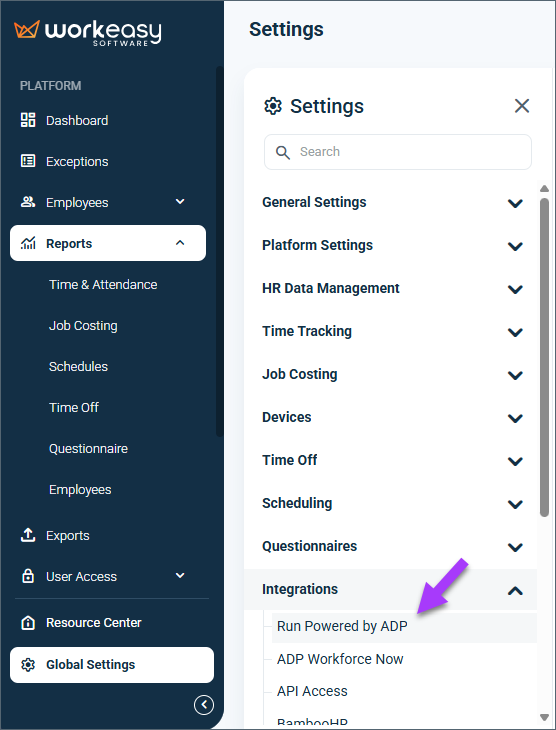
In WorkEasy, go to Global Settings > Integrations > Run Powered by ADP.
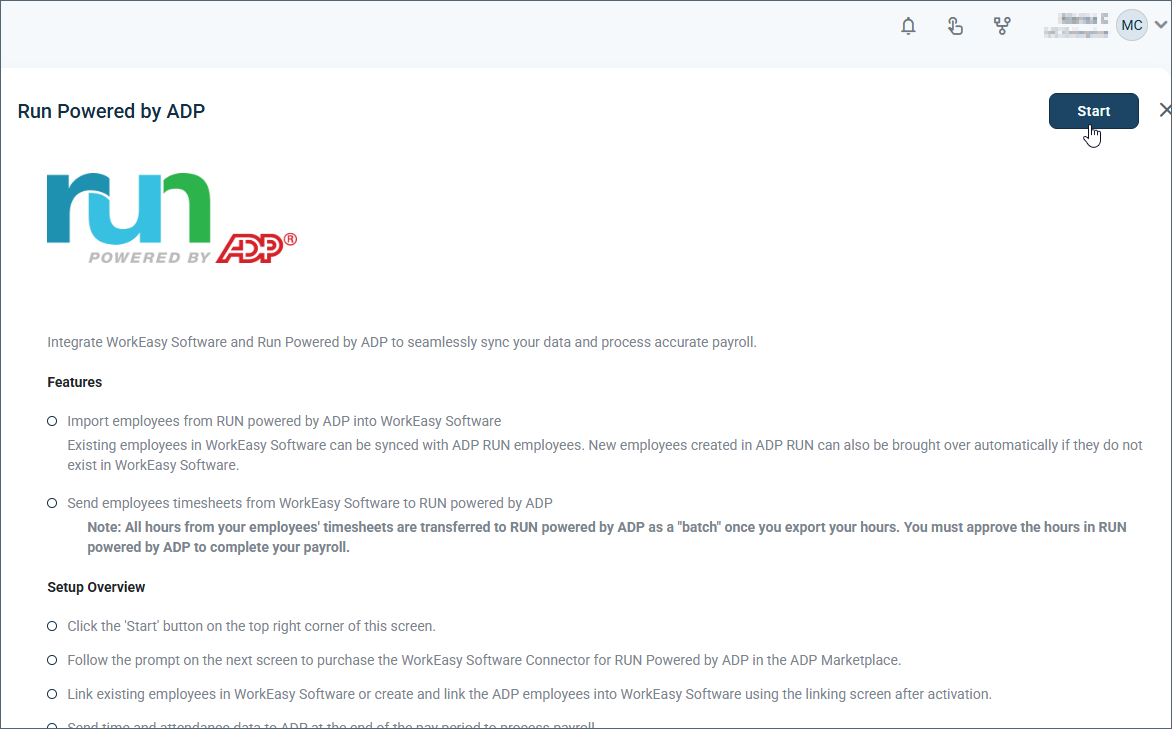
Click Start.
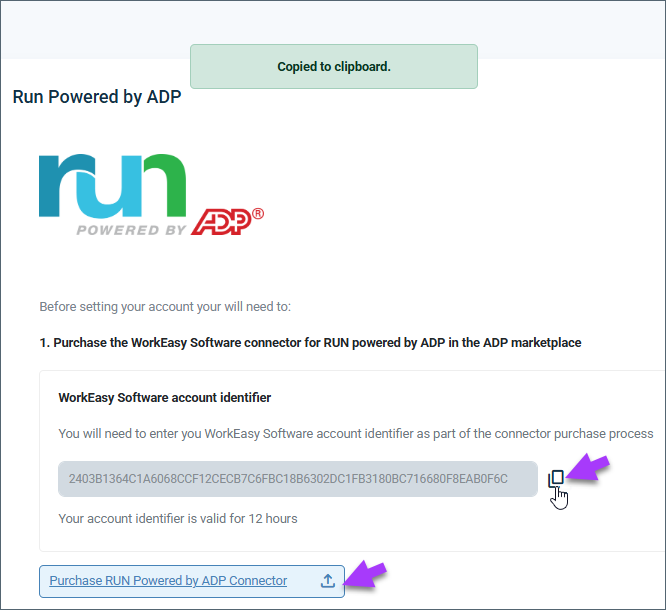
Copy the account identifier (also called a token).
Click Purchase RUN powered by ADP Connector.
Select WorkEasy Software Connector for RUN Powered by ADP.
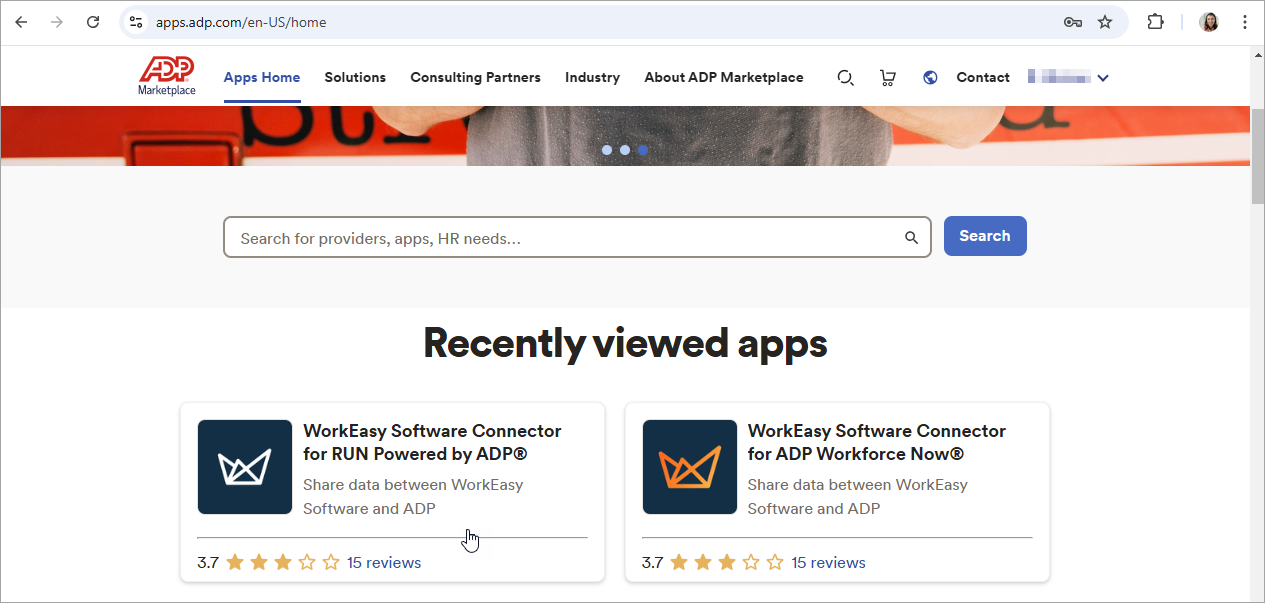
Click Buy Now.
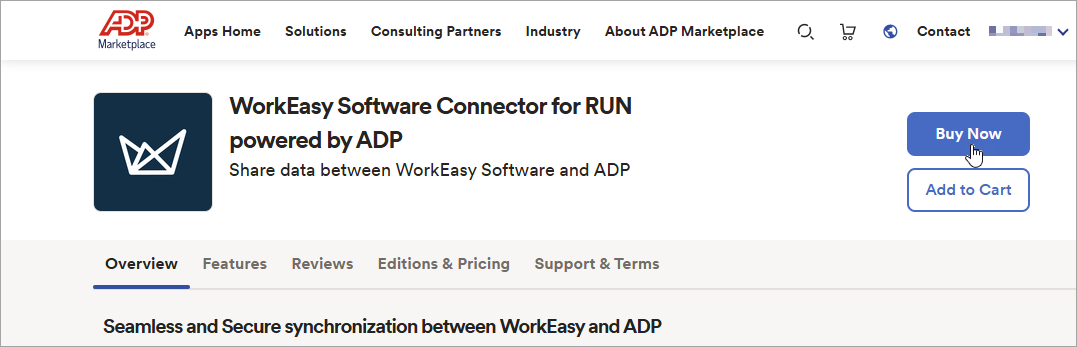
Click the plus sign next to WorkEasy Software requires additional information.
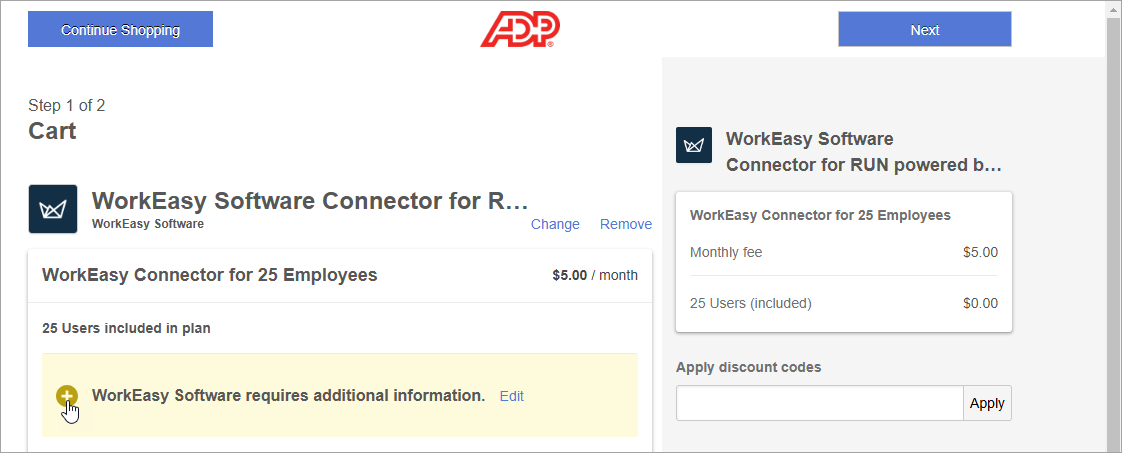
Paste or enter the account identifier in the Token field.
Click Save details.
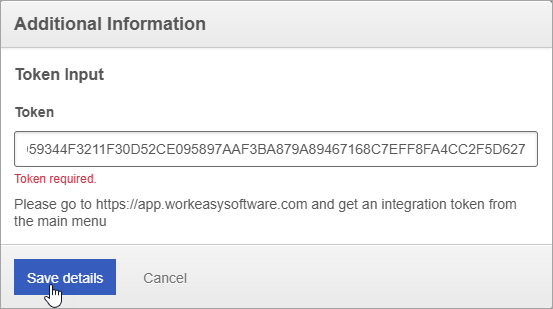
Click Next.
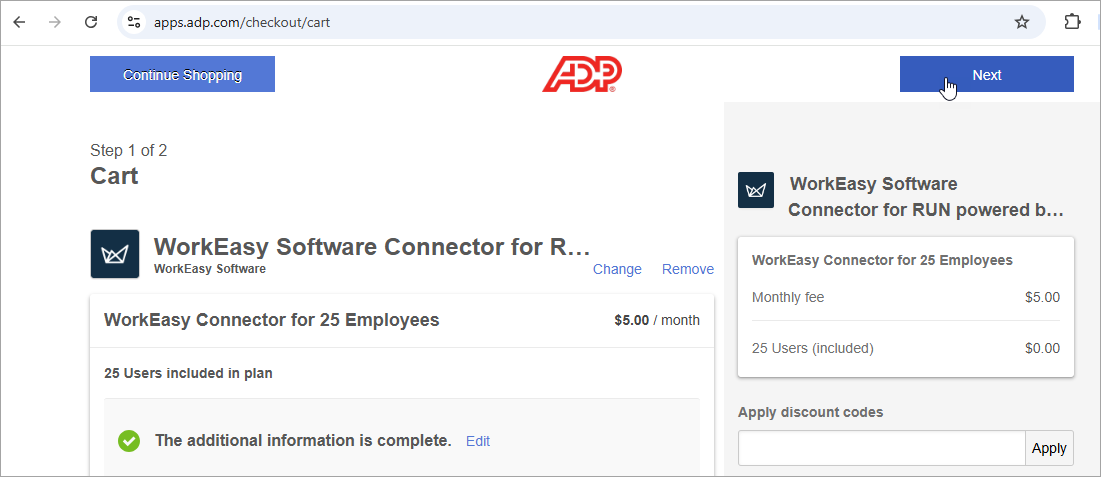
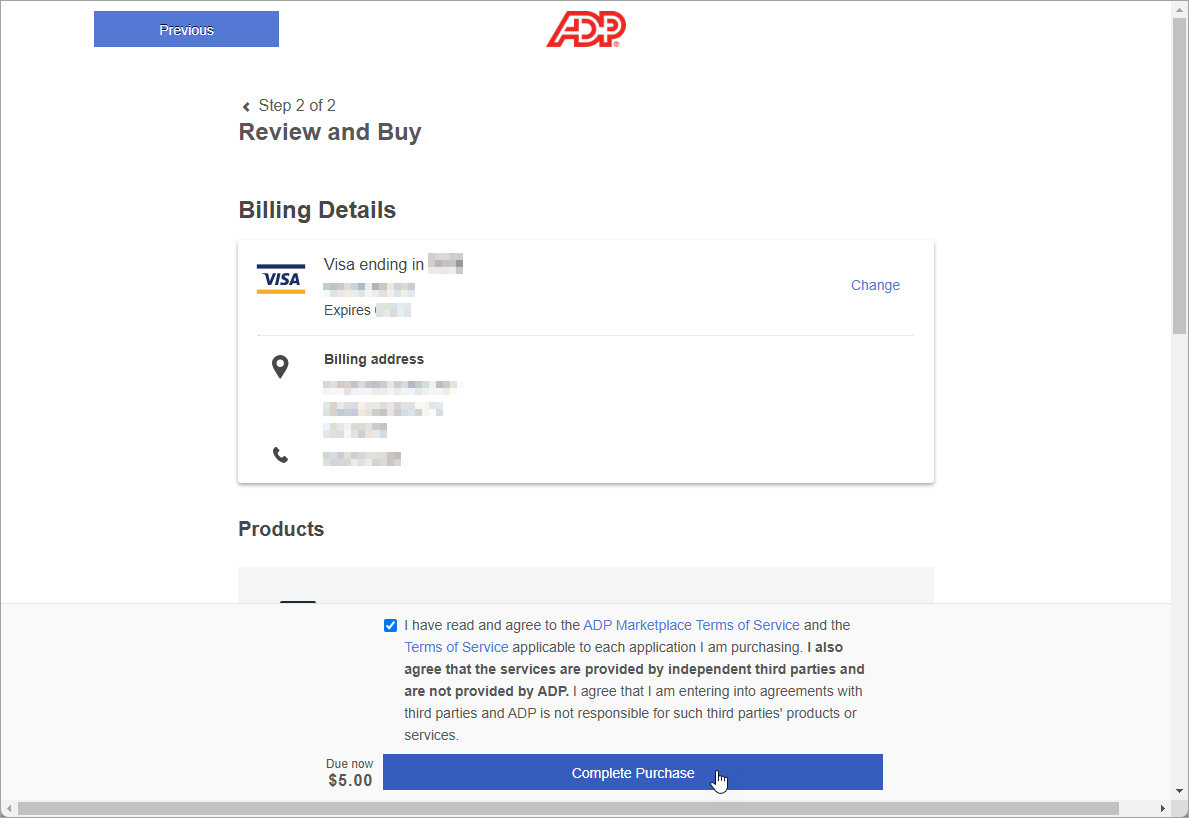
Enter the payment details.
Click Complete Purchase.
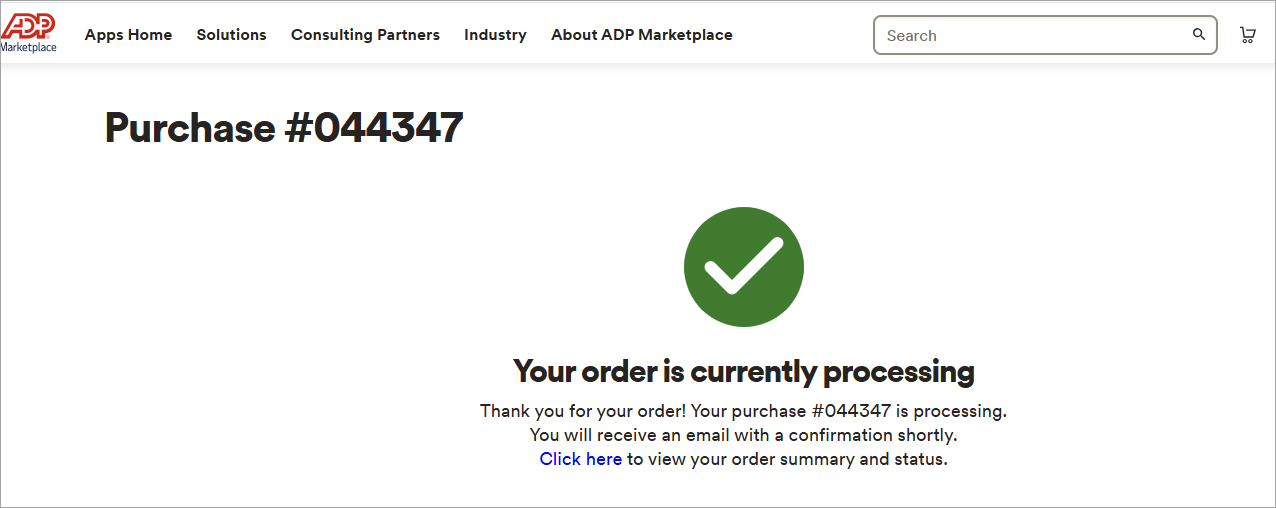
You’ll see a purchase confirmation.
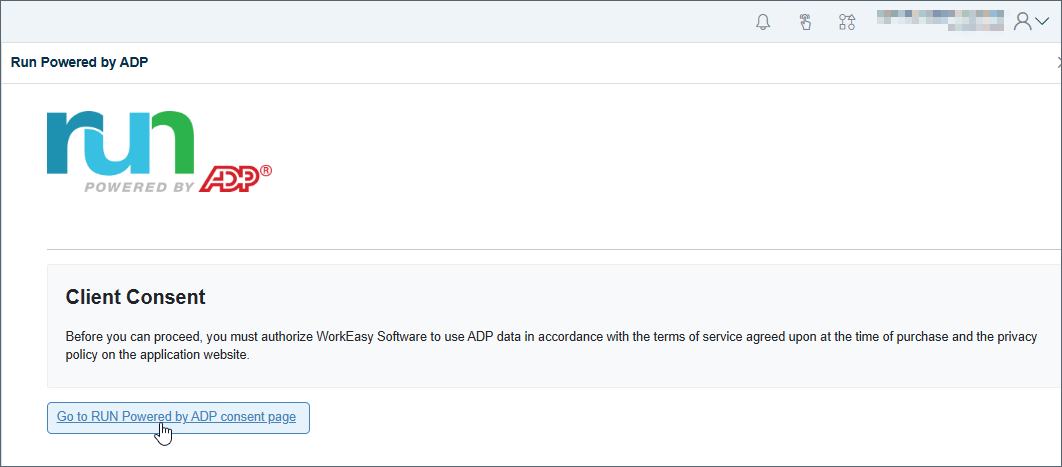
Go to app.workeasy.com > Integrations > ADP Run.
Click Go to RUN Powered by ADP consent page.
On the authorization page, click Allow.
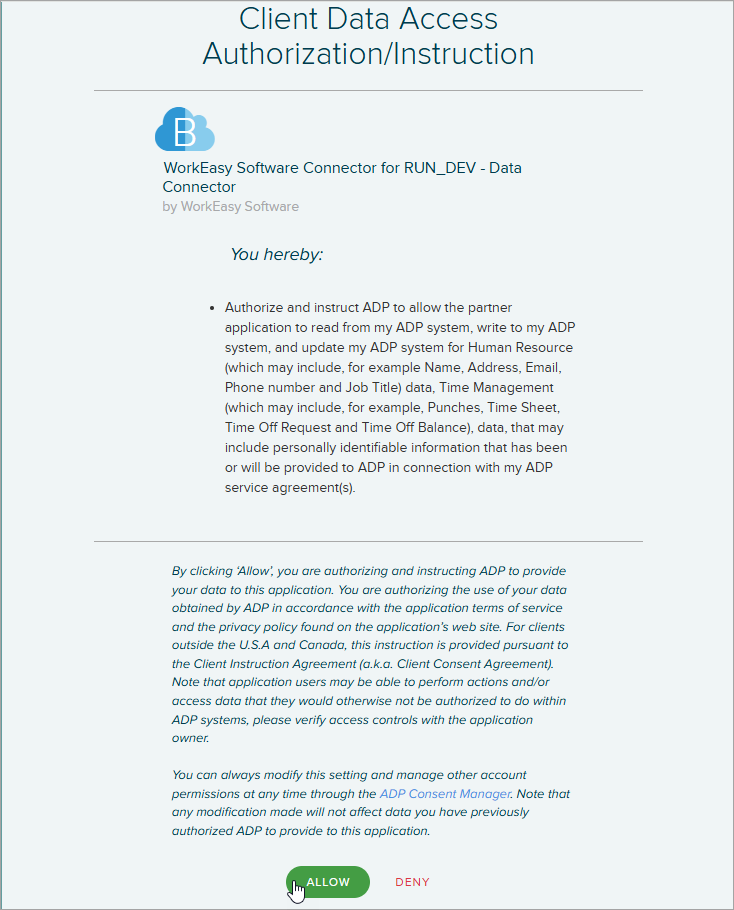
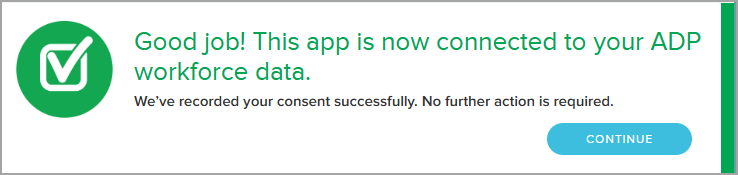
You’ll see a confirmation message.